How to Order weed online canada
step one
Join the Buy bud canada to receive the 20% Discount
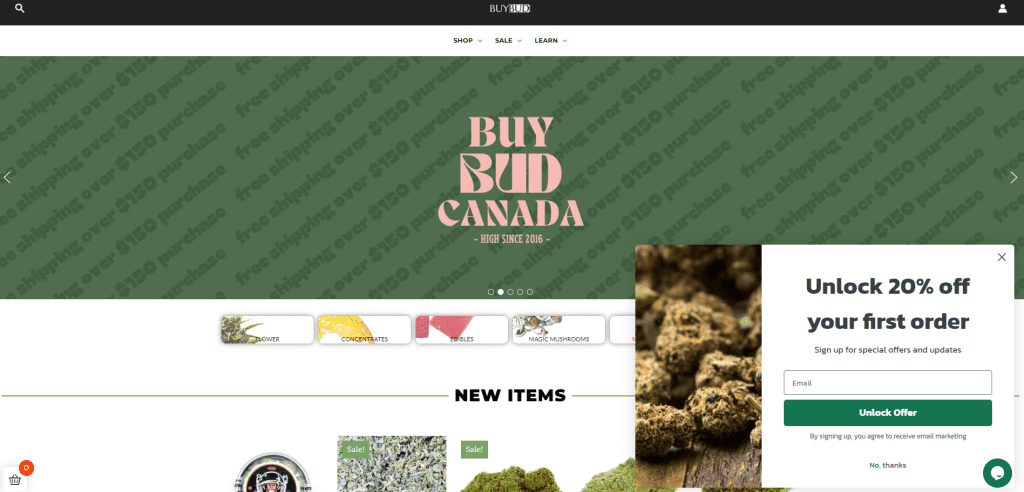
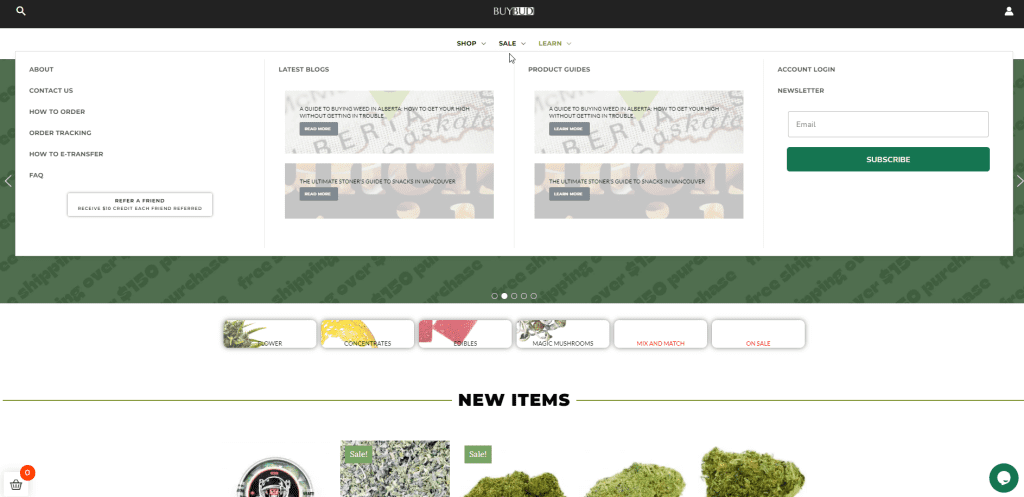
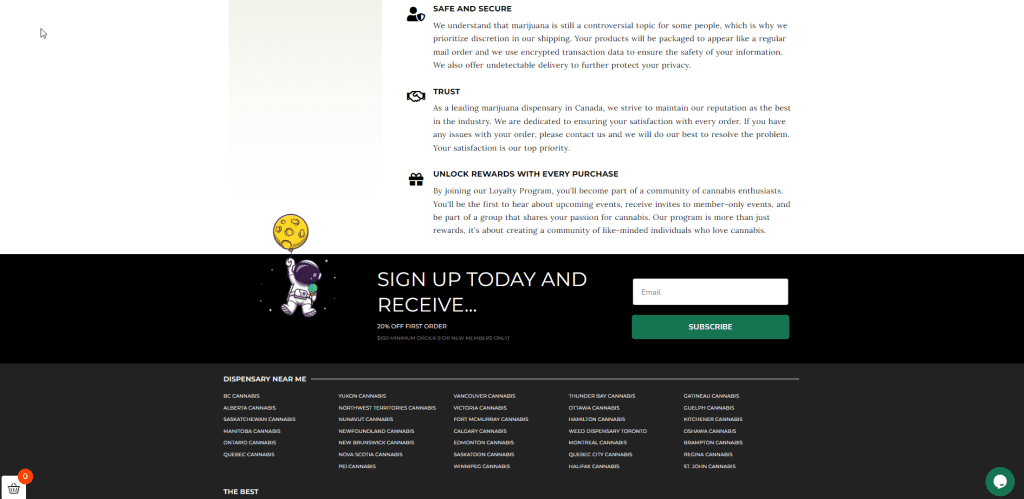
There are three locations on the site you can find the signup form.
- The popup form on the right side of the screen’s bottom corner
- In the drop-down menu under the ‘learn’ category right side
- Along the footer of the site above the dispensary locations
*Promos and discounts can not be combined or applied to sale items, minimum spend $100
THE POPUP FORM
Drop down Menu
footer
Simply Join the buybudcanada community Below
Continue Reading About How To Order Weed Online Canada Below
step two
Register for an account
There are two ways to register:
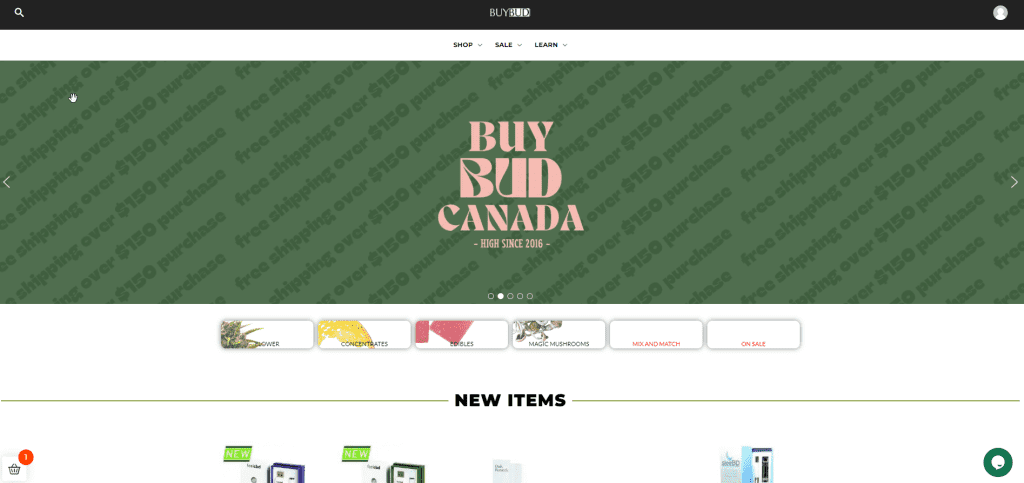
- Along the top right corner of the site, there is an avatar, when you click on it, you will be taken to an account creation page
- You can register on the checkout page, as you will not be able to checkout as a guest and will be prompted to enter your email and a password
OR Register right here!
step three
Explore buybudcanada.co
- Shop the site categories or new items, browse through out sale items, mix & match selection, and best sellers
- Learn about the various strains through our guides
- Catch up on the latest blogs and recipes
step four
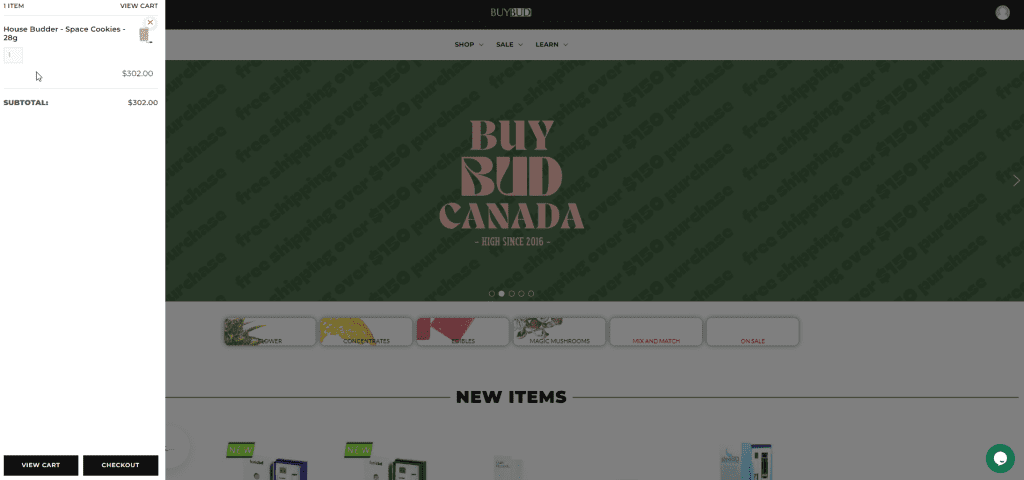
sticky cart Location
- Once you add items to the cart, you will find the sticky cart along the bottom left corner of the page
- The flyout cart displays all items you add, and the number of items can be modified within the cart itself
- Once satisfied proceed to checkout from the flycart
Unopened widget on home page
flyout cart
step five
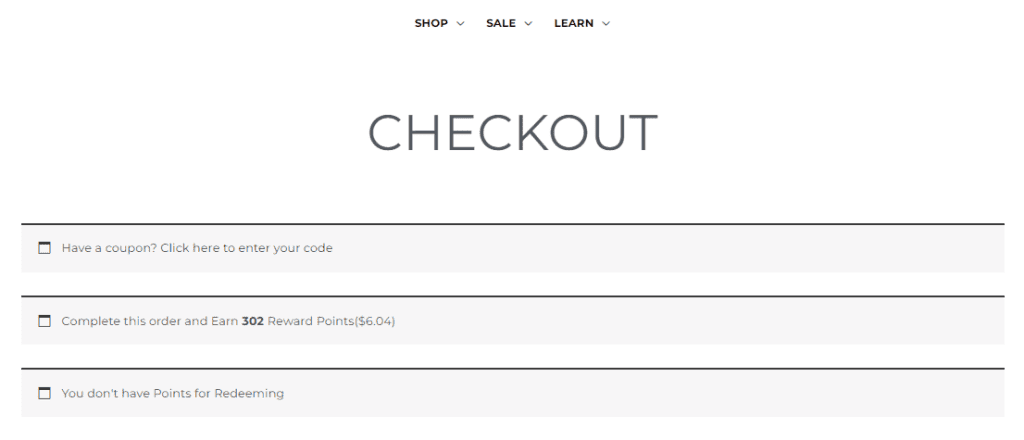
CHECKOUT - Additional info to note
- You may enter your coupon code here by clicking “Click here to enter your code”
- You will also find information on the number of points you will receive upon purchase, which you may apply to your next purchase on the buybudcanada.co
- You may also enter the number of points you would like to redeem in this section if you have points accumulated from previous purchases
Unopened widget on home page
step Six
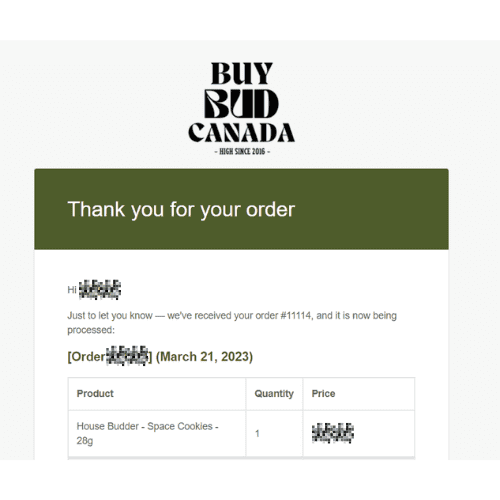
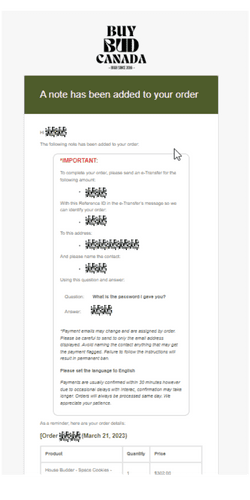
Place Order - additional email with EMT Instructions
- You will receive an order details email
- You will receive a follow-up email with the electronic money transfer/e-transfer instruction
step Seven
Tracking Code
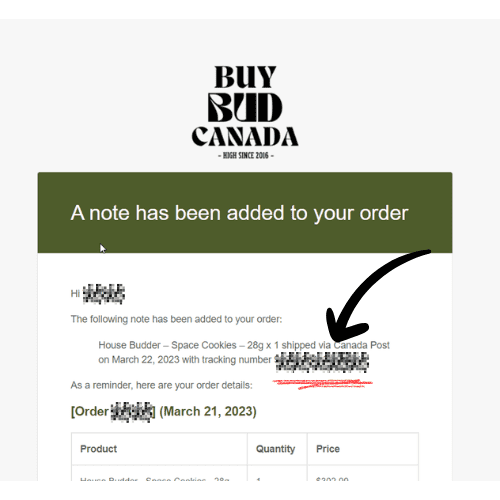
- You will receive a Canada Post tracking number with the next email
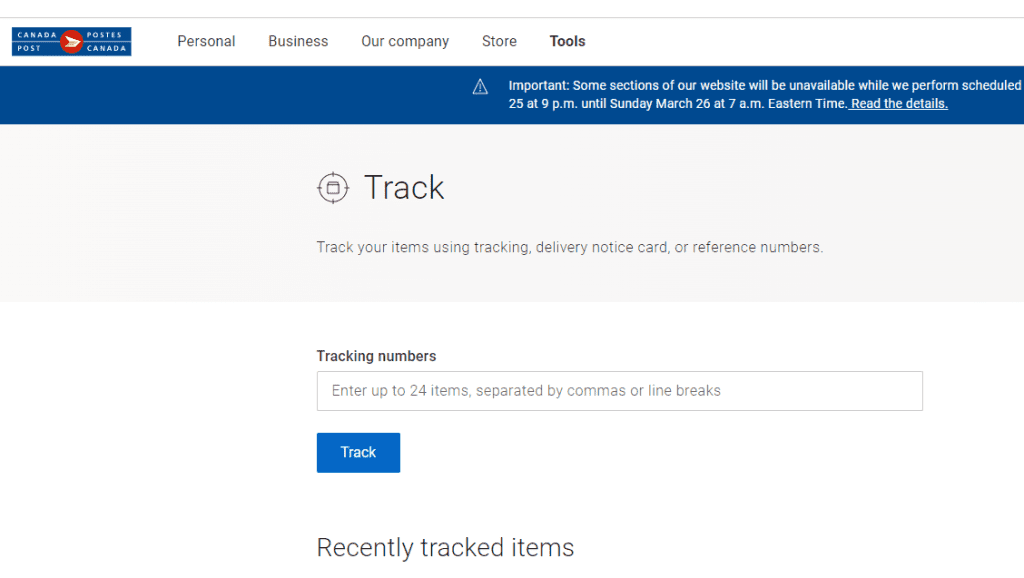
- Use the tracking number in the email received and paste into the Canada Post tracking number field as shown in the image below
Contact for questions on how to order weed online canada
For further queries please don’t hesitate to reach out via:

- email – [email protected]
- live chat on buybudcanada.co – 9 to 9 pm PST
- contact form